

Settings
Settings is a page opened with the cog in the header. Settings are shared by everyone who uses the panel and apply immediately.
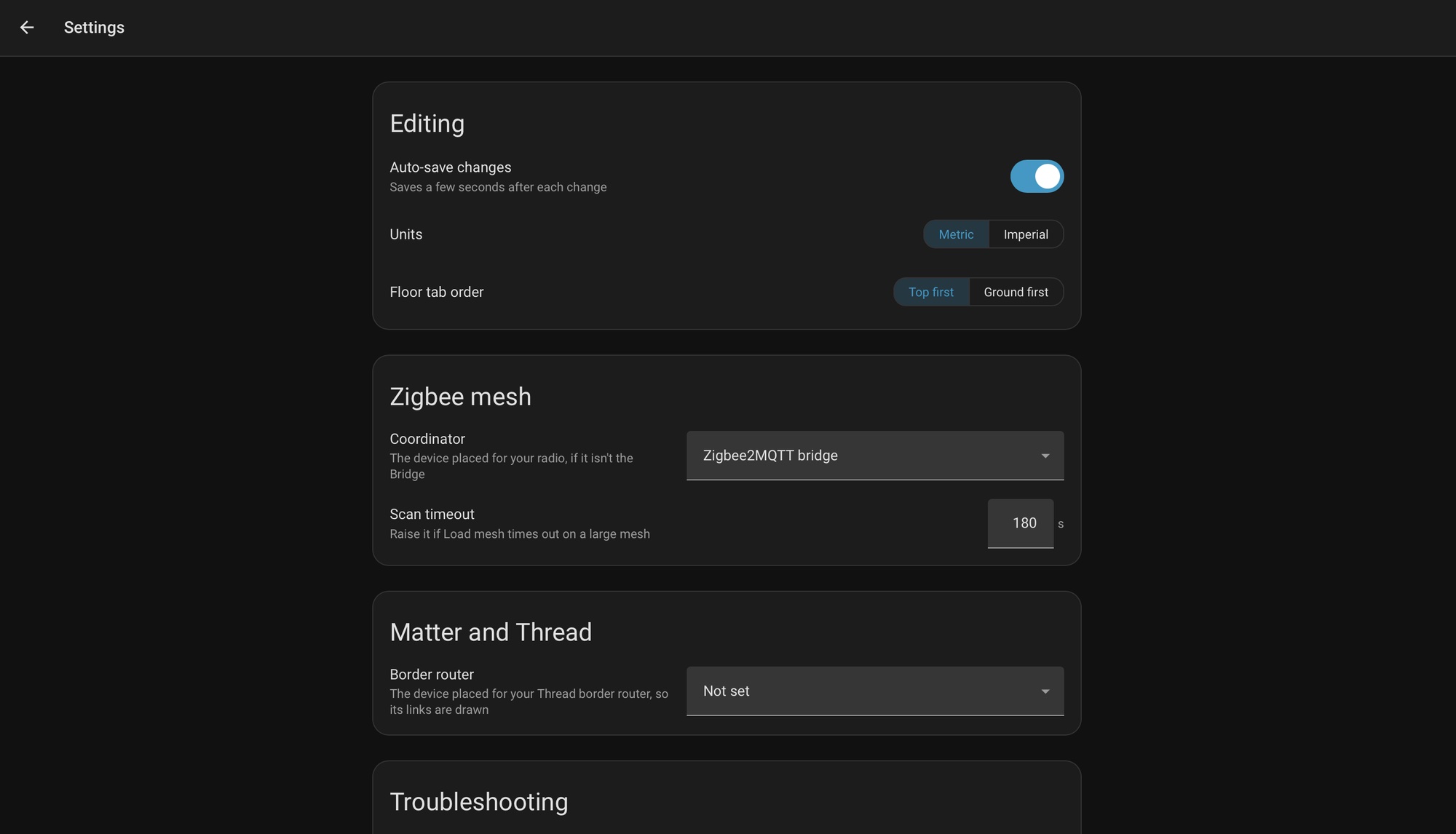
| Section | Setting | Effect |
|---|---|---|
| Editing | Auto-Save Changes | On by default. Saves a few seconds after each change. Switching floors saves first, and leaving with unsaved changes asks. |
| Editing | Units | Metric or Imperial, for every real-world measurement. |
| Editing | Floor Tab Order | Top First (as on Home Assistant's Areas page) or Ground First. Display only. |
| Zigbee Mesh | Coordinator | The device placed for the Zigbee radio, when it is not the Zigbee2MQTT Bridge. By default the coordinator's links attach to the Bridge device. Needed when the radio is its own device, such as an SLZB-06 adapter. |
| Zigbee Mesh | Scan Timeout | 30 to 600 seconds, default 180. Raise it if Load Mesh times out on a large mesh. |
| Matter and Thread | Border Router | The device placed for the Thread border router, so its links are drawn. |
| Troubleshooting | Debug Logging | Off by default. Writes spatial_context_debug.log to the configuration folder. See Reporting a Problem. |
| About | Version, release notes, documentation, issue tracker, repository, licence, support | Links and the installed version. Support the Project opens the Buy Me a Coffee page. |