

Placing Devices
Place Device puts a Home Assistant device on the plan at a position and mounting height.
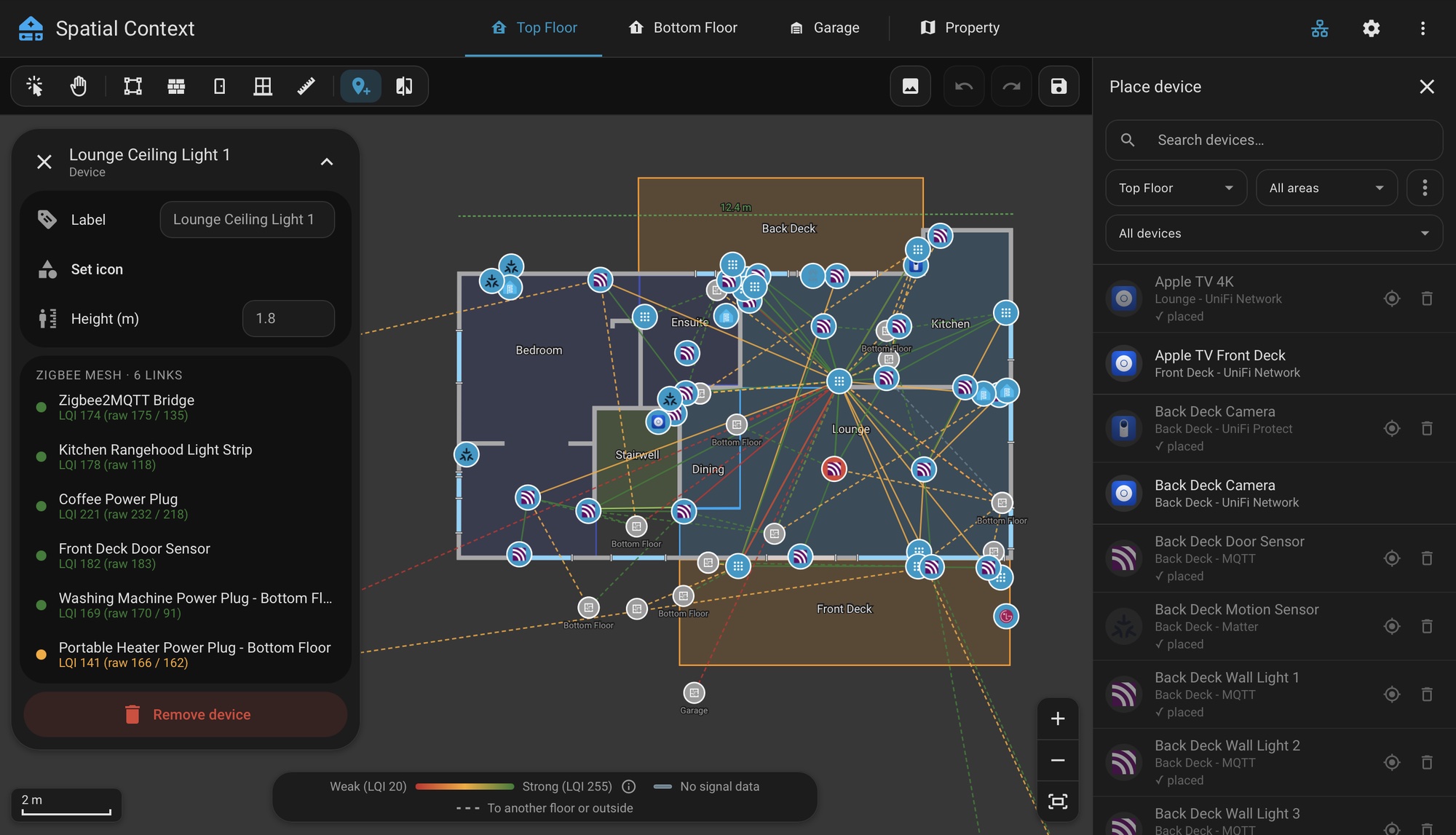
- Select Place Device. The picker opens beside the plan, or as a sheet on a phone.
- Search, or filter by floor and area. The third filter shows all devices, only those not placed yet, or only those already placed.
- Select a device to arm it, then click the plan.
A device is placed in one location only: one floor, or outdoors. A device placed elsewhere is greyed out in the picker with its location, and has to be removed there first.
A device already placed on the plan you are viewing is marked in the picker, with two buttons. Show on plan selects its pin, and Remove from plan removes it after asking.
| Action | How |
|---|---|
| Stack devices on one spot | Click an existing pin while placing. |
| Choose among stacked devices | Select the spot, then pick from its info card. |
| Set label, icon and mounting height | Select the device and use its info card. |
| Clear every placed device on the floor | ⋮ in the picker. Asks first. |
Mounting height is included in the map data.
Devices outside every building are placed on the Property tab.